
Creator program
The Creators Club
The Creators Club is a program for people who make website templates. Creators use the app's AI agent to generate sites, publish them as templates in the template gallery, and get paid for the templates they publish.
Sign up as a creatorNo code required
Describe it. The agent builds it. You get paid.
You don't need to write a line of code to make website and app templates. Tell the AI agent what you want, and it builds a working site you can preview, refine and publish to the template gallery.
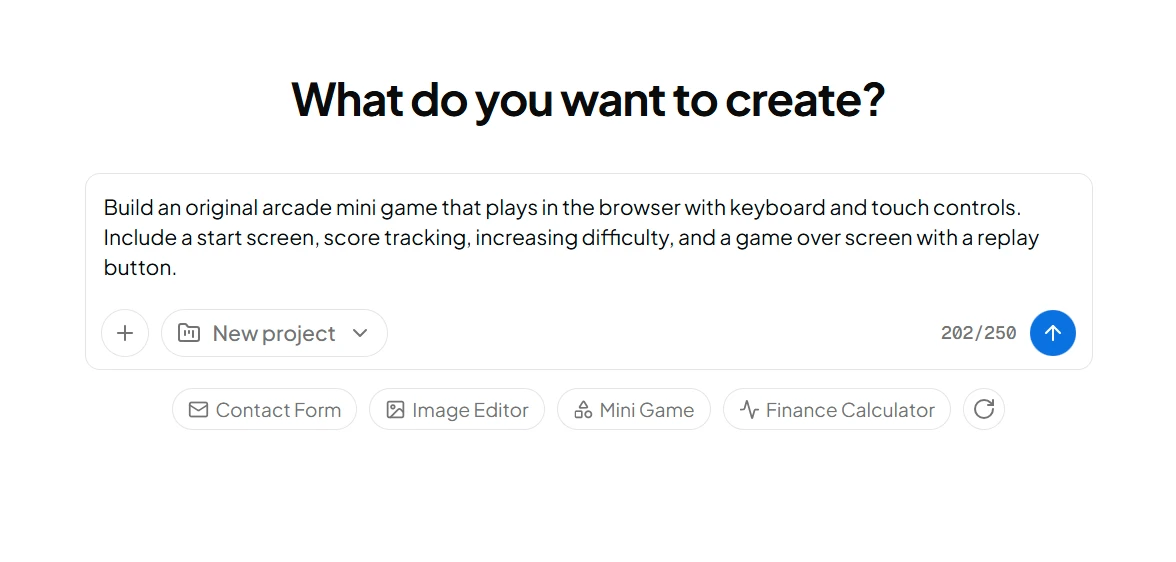
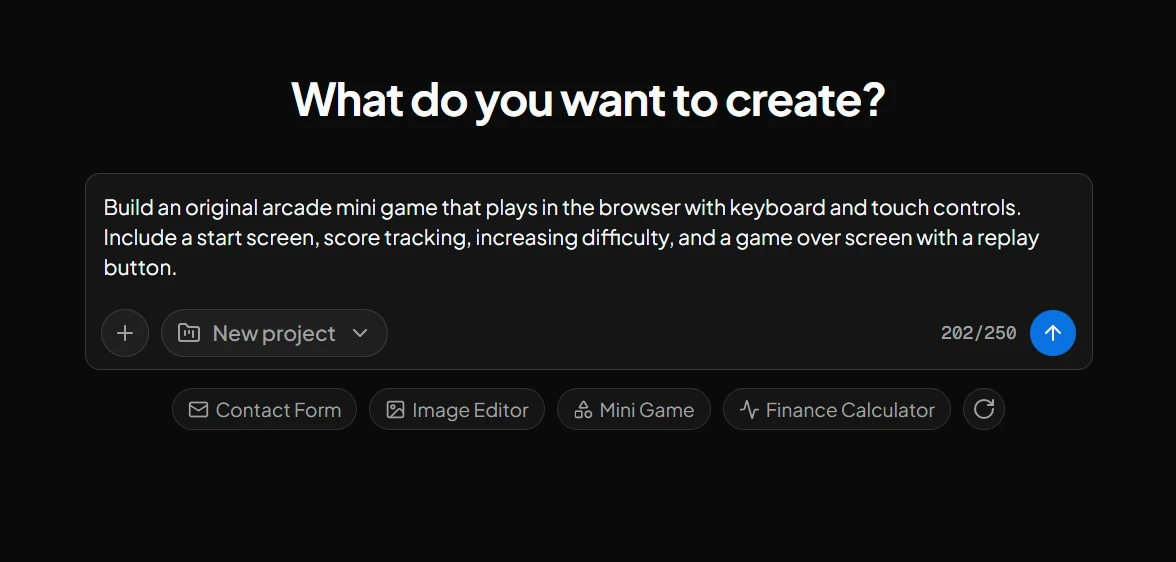
- Describe a site or app in a sentence, like a contact form, an image editor, a mini game or a finance calculator.
- The agent writes the code and builds it in a live workspace, where you preview it and refine it with follow-up prompts.
- Publish it as a template, and others can start their own site from it.
- Earn $1.00 each time someone new builds with your template, paid monthly through Stripe.
How it works
- 1
Generate a site
Describe the site you want and the AI agent builds it in a workspace you can preview and refine.
- 2
Connect and deploy
Connect the site to a project and deploy it, so it's live at its own address.
- 3
Publish it as a template
Publish the project as a template. It's added to the template gallery, where others can start a site from it.
- 4
Get paid
You earn $1.00 each time someone new builds a site from one of your templates, paid monthly through Stripe.
Template gallery
Explore what the community has built
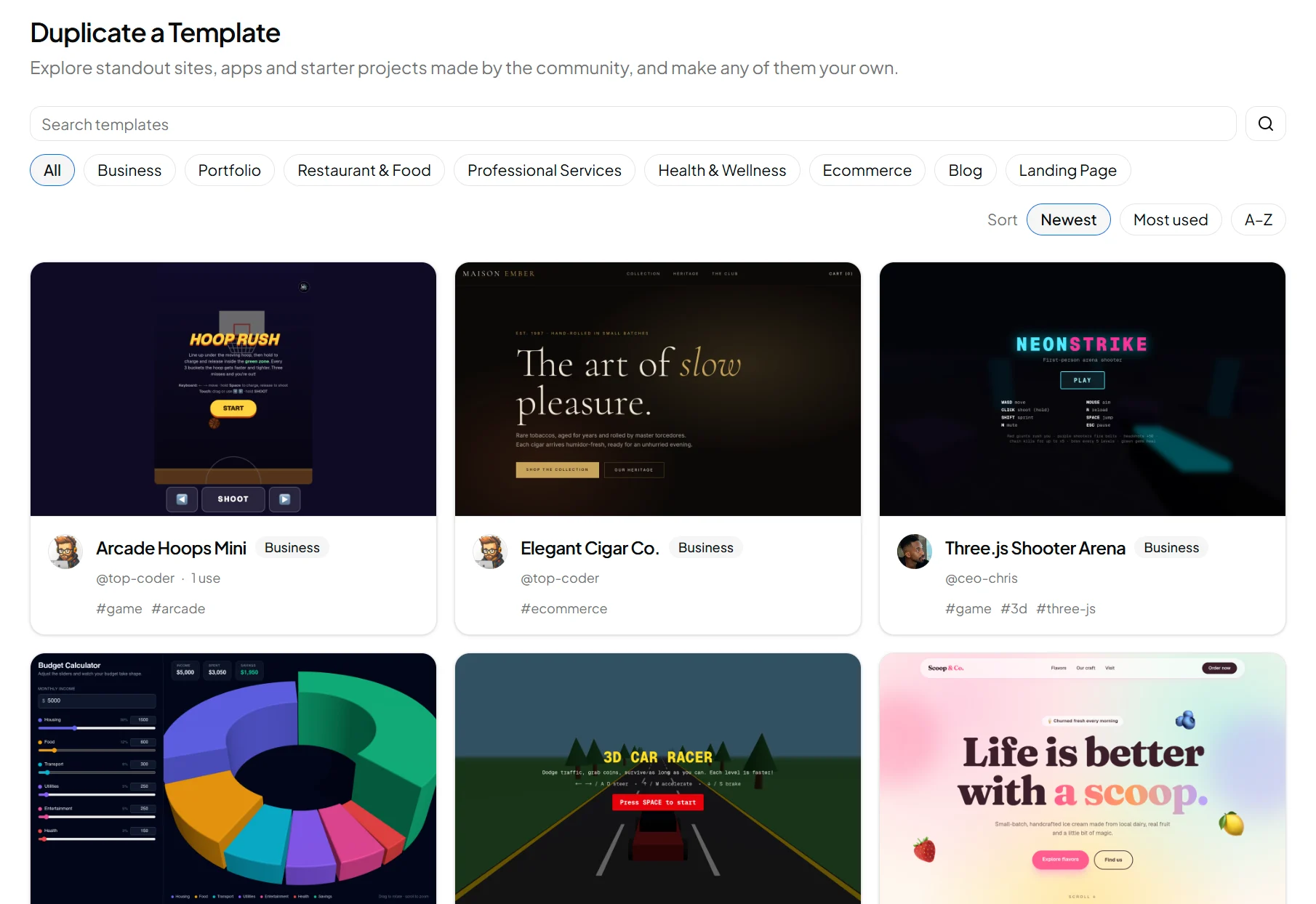
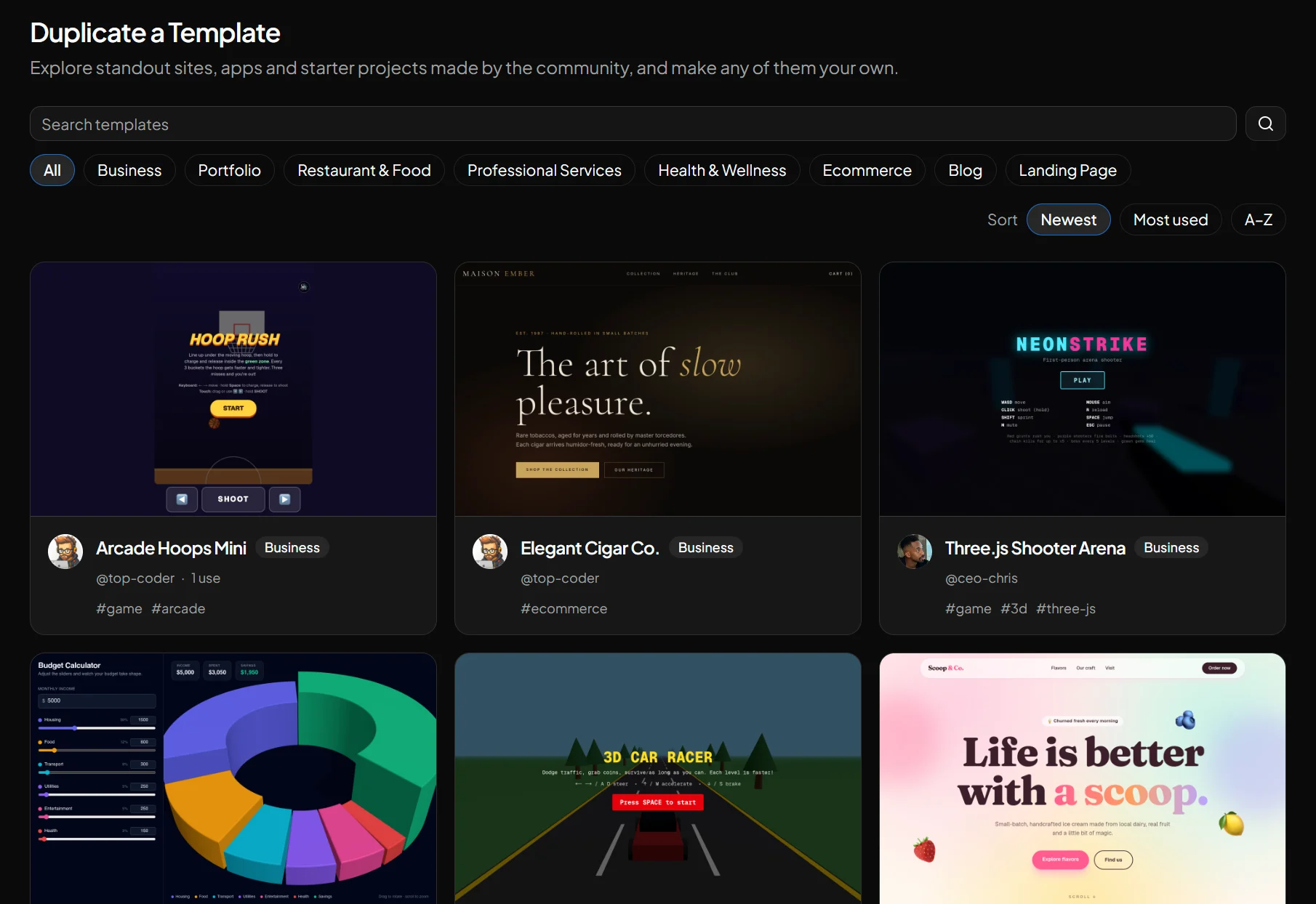
Creators have already published games, business sites, online stores and handy tools to the template gallery. Browse by category, see what's most used, and find ideas for your own. When you publish, your templates sit right alongside them.
See what every template earns
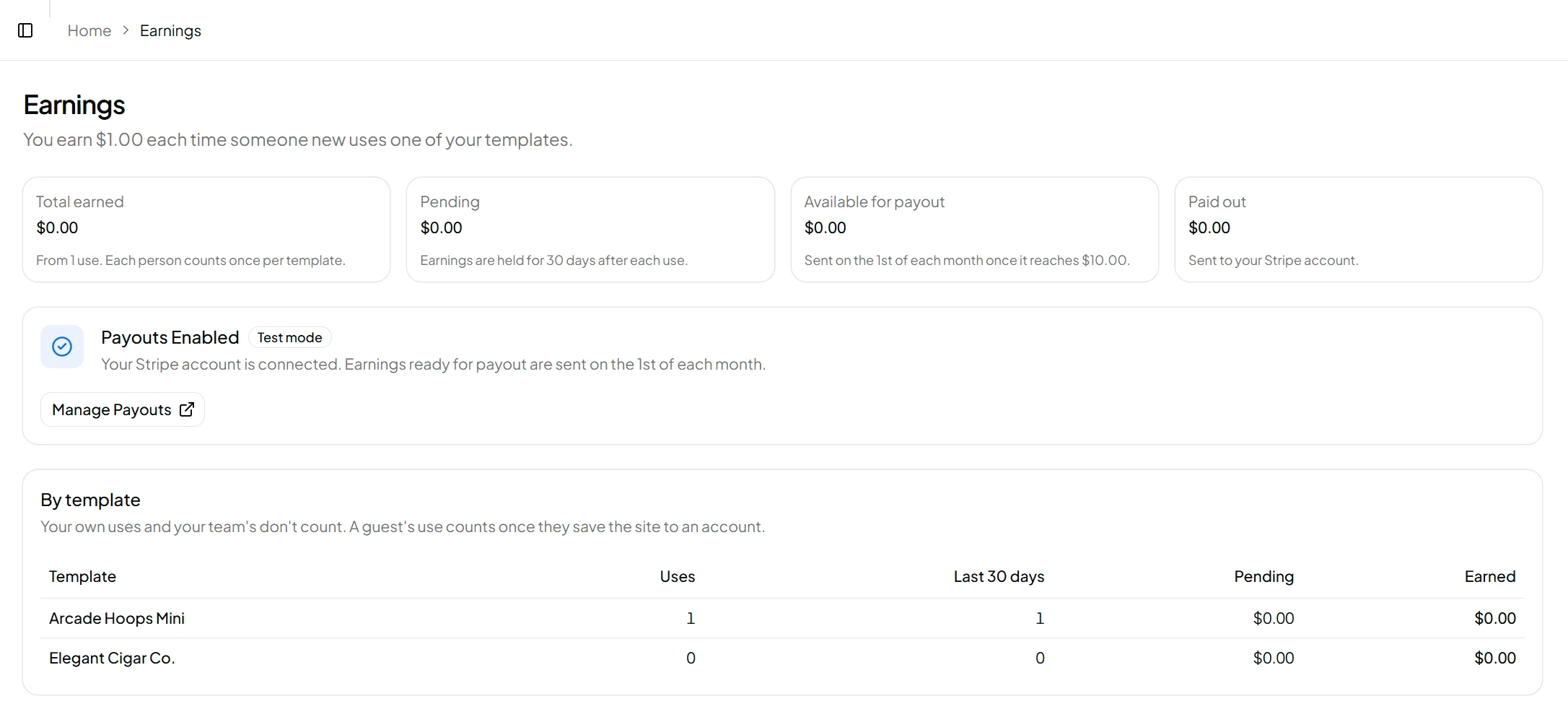
Your Earnings page shows what you've earned, what's still in the 30-day hold, what's ready for the next payout and what's been paid, with uses for each template. You connect Stripe there too.
Your creator account
A creator account is set up for making templates and nothing else, so it has four sections, plus account settings.
- Overview
- Your dashboard and recent work.
- Projects
- The sites you've generated and deployed.
- Templates
- Templates you've published, and the gallery.
- Earnings
- What your templates have earned, payout setup and your payouts.
Common questions
Who can join?
Anyone who wants to make website templates. You don't need to write code: the AI agent does that, and you guide it.
Is it free to sign up?
Yes. A creator account starts with the same monthly usage credits as a new free account, which cover generating sites.
How much do I earn?
You earn $1.00 each time someone new starts a site from one of your templates. Each person counts once per template, and your own uses don't count. A guest's use counts once they save the site to an account. If the rate changes, uses you've already earned keep the rate they earned at.
When do I get paid?
Payouts go out on the 1st of each month. Each use's earnings are held for 30 days first, then included in the next payout once you're owed at least $10.00; smaller amounts carry over to the next month. Payouts are sent to your Stripe account, which you connect from your Earnings page, and Stripe pays them into your bank on your Stripe payout schedule, usually within a few business days. You're emailed each time you're paid.
Can I use a creator account for client work or a team?
No. Creator accounts are only for making and publishing templates, so they can't join or manage teams. Use a regular account for that.
Ready to start?
Create a creator account to begin generating templates.